1
Open the AIMA contact form
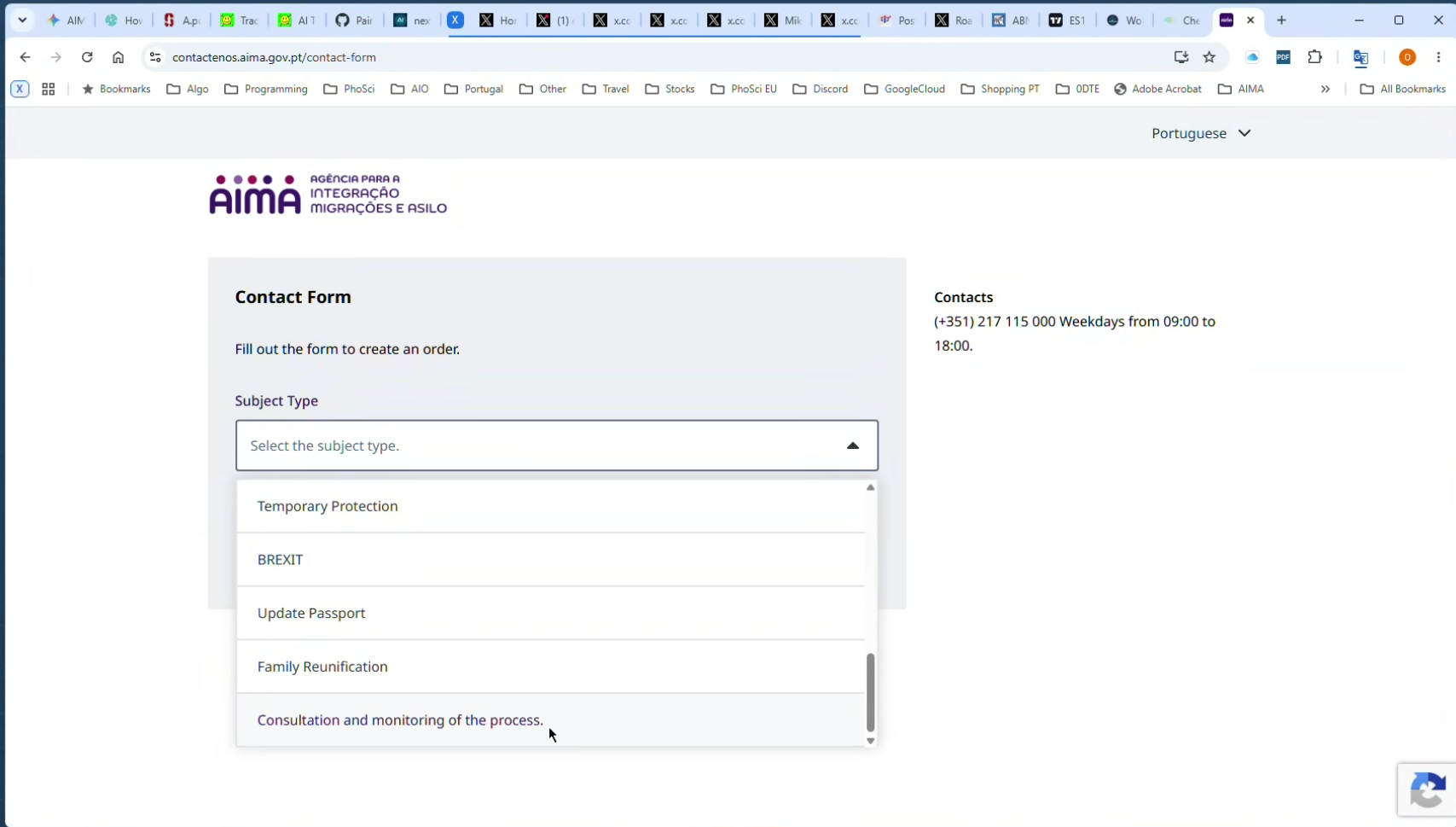
Go to the AIMA contact form. In Subject Type, select “Consultation and monitoring of the process.”
Instructions
Follow the steps below to access your AIMA process tracking information. It only takes a few minutes.
Go to the AIMA contact form. In Subject Type, select “Consultation and monitoring of the process.”
In Subject Subtype, select “What is the status of my case?” Enter your email address and click “Send Code”.
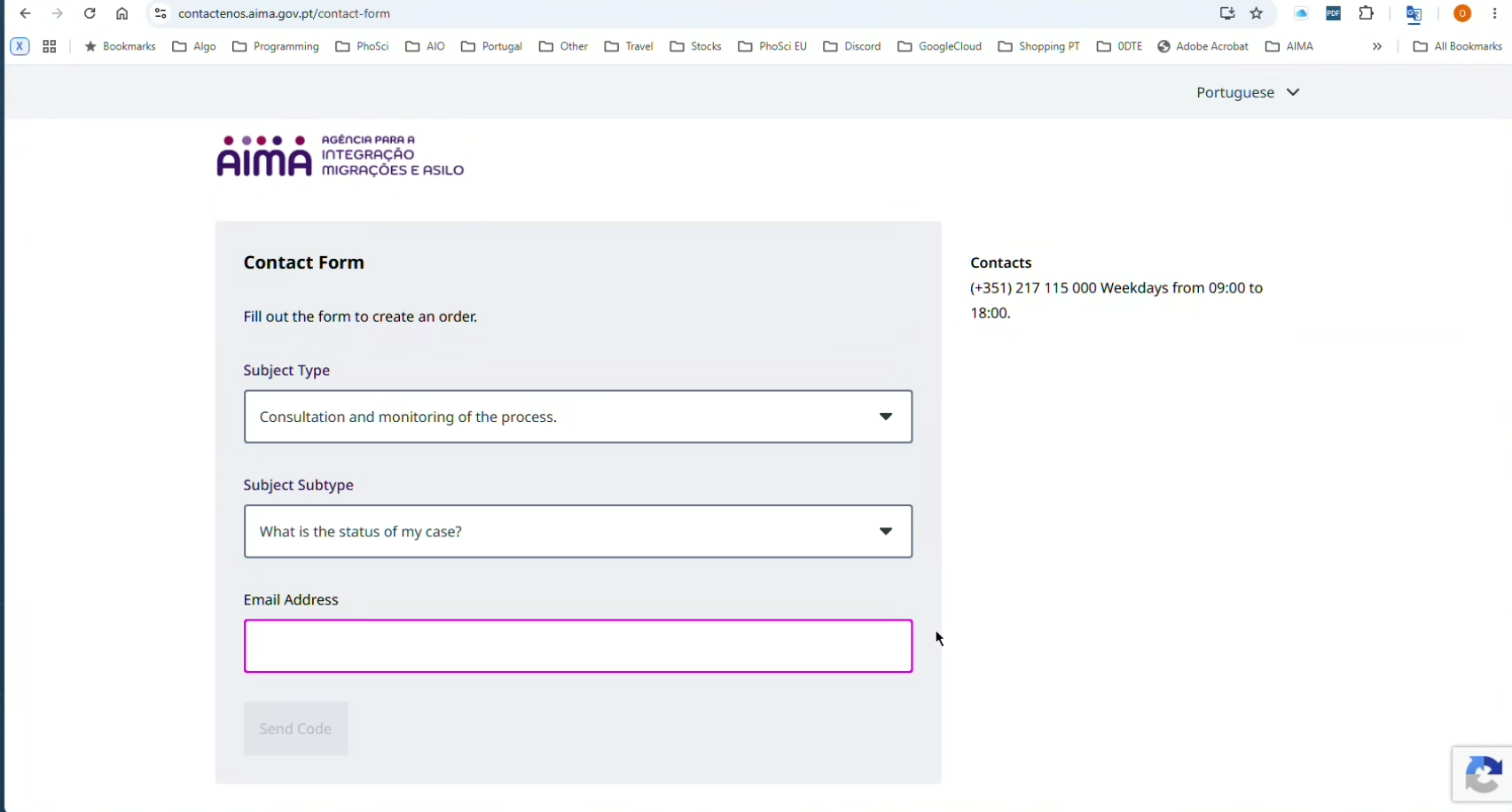
AIMA will send a verification code to the email address you provided. Enter the code to continue.
Enter the code sent to your email.
Illustration only — the AIMA screen may look slightly different.
Enter the information requested by AIMA, including your current residence card and your email address again, then continue.
Illustration only — the AIMA screen may look slightly different.
After completing the AIMA steps, you will be taken to the page showing the status of your process.
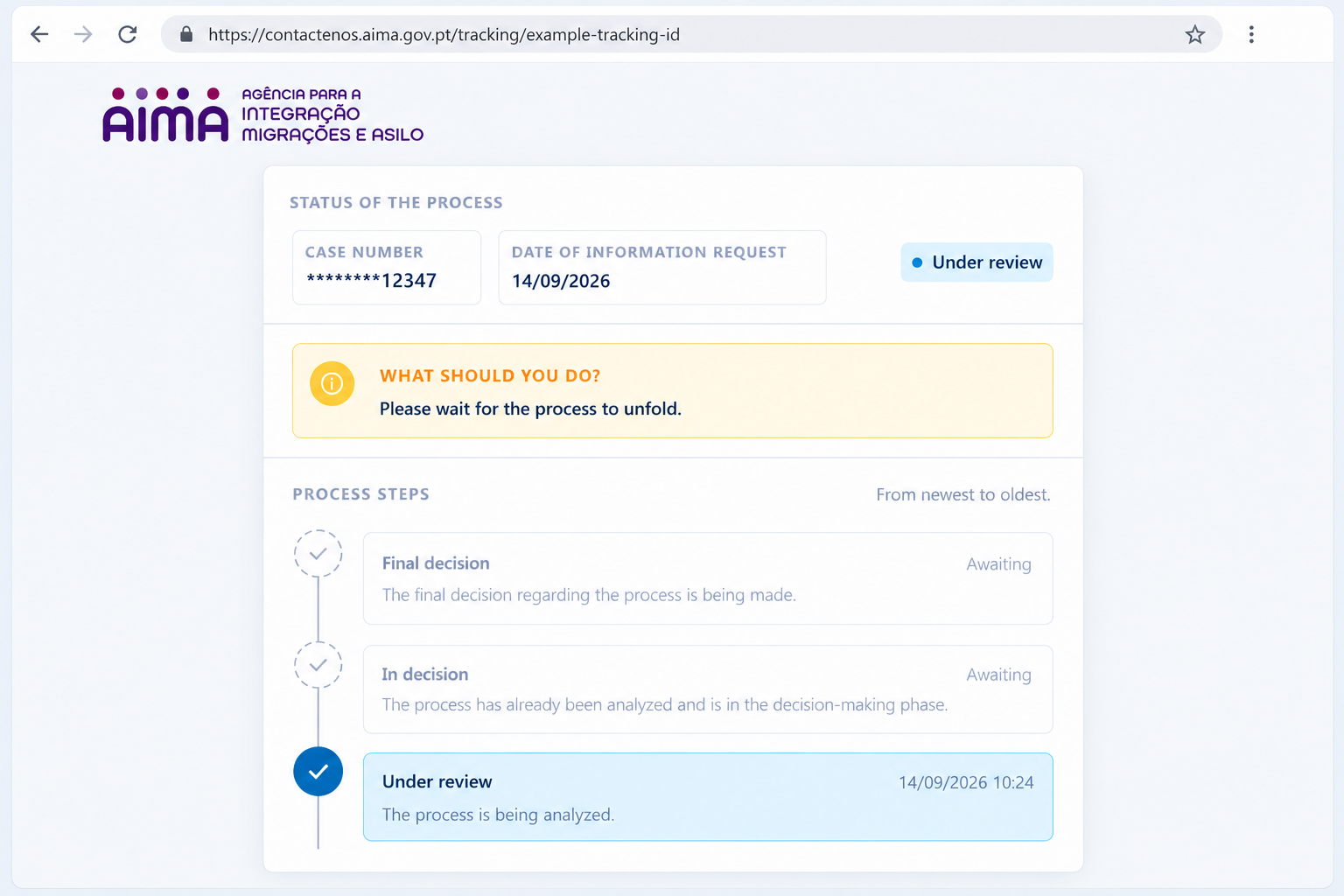
Copy the full URL from your browser's address bar. This is your AIMA Tracking Link. Paste this link into our form on the homepage.
Go back to AIMA Renewal Check and enter your details to start monitoring.
If you have trouble accessing your tracking information, please refer to the AIMA website or contact AIMA directly.